My Final Audio Story is about the #2 pick in the 2020 NFL Draft, Chase Young, and how he ended up going back home after being picked by his hometown team, The Washington Redskins. I go over the profile of this man and explain some of his stats in his last year at Ohio State. I also take a huge look at the defensive line situation for the Redskins after this pick and explain the dynamic of it as well. I tried my best with adding music in my story so I used the musical phrase of “The Champ is Here!” at the beginning to add music to my story. I hope you like it and enjoy!
Author: 5arnie1
Your Audio Story Draft
For my audio story draft, I will be talking a little about the upcoming NFL Draft on Thursday and how it will affect every team moving forward. However in this snippet, I was talking about the Cincinnati Bengals and their situation now that free agency is practically over. Hope you guys like this and enjoy!
Mic Check
For my “Mic Check” I will now focus my website to Sports related topics. I love sports and what they have to offer and it is my niche in society. I want to be a sports reporter when I graduate from Kent State as I also want to continue my sports radio show, Let’s Get It Straight, as well for wherever I work. If I don’t have that opportunity from my station at the time, I will continue my radio show through podcast on this website or another one I may make in the future.
How Audio Stories Begin
For many years, people have told stories and found ways to share their stories. However, do we ever notice how stories are formed and made? Do you ever just want to see what structure a story has to have for it to be efficient? Well I will give a better understand of how stories are created but more importantly, how audio stories are created. This will give me a better understanding of how I can produce a good audio story and have it sound very great. I also learned great tactics for me to help improve my listener count and viewership ratings.
One of the tricks of the trade when it comes to making a podcast or audio story, is making sure you put very interesting content within the beginning portions of your show/story. All of the information I am going to supply you with is from training.npr.org and I also watched a video on this as well to help me further understand audio stories. So how do we start a story?
Well there are a ton of different ways you can start a story. Four ways that help the most when it comes to starting your story are: ask a question to the audience, introduce a mystery, establish a concept first and last but not least is the dive right into the story tactic.
The first way is to ask a question to the audience, and to be quite honest with you it’s very simple. Always starting out with a question that may be relevant to what you are talking about or can connect good with an idea that you are trying to capture. I personally love this tactic and how effective it is and I use this almost all of the time. The second tactic is introducing a mystery. The way this works is you want to persuade the audience of a problem or open a thought for them and the way to finish off the mystery is guiding them along to the end where you reveal your pitch and you can tie it all together. Tactic #3 is Establishing the concept and you can do that by offering background and context to your story and then present the possible options or ideas we may agree or disagree with.
Finally, this last tactic is straight to the point and doesn’t cut any corners. Diving into the narrative is a very good way t be direct with your story and catching the listener off guard early so they can rebound and channel back into the story. My example from the article I read was from an audio story that was talking about how medication in California is very expensive for people. It jumps into the narrative when the story talks about Michael Lawrence ad how he realized that his medication is very expensive. With all of this now explained, it’s time for you to being your audio story. Find your inspiration to make your story worth listening to, these tactics will help you attract listeners for not just one story, but for many more.
Article Link: https://training.npr.org/2016/07/26/how-audio-stories-begin/
Video Link: https://www.youtube.com/watch?v=giLkZsLq9QI

Your Audio Story
As you know by now, my topic of interest I love to talk about are sports. Sports are a very crucial thing in today’s society as it teaches young kids how to be great people in life and also models how we should all behave toward one another in the real world. Not only that, sports can teach great lessons in life that don’t just get brought up overnight. A very huge example of a great life lesson to learn is adversity. Adversity is a mistake or difficulty we have or to better phrase that, adversity is an obstacle we may face. Whether it’s on the football field, or in or in our daily life, we all have to face some type of difficulty we may see.
So now after showing how sports can correlate to the regular world, why sports? Well for starters outside of playing a sport, sports can unite a family and bring a town, city or state together as they cheer for their team to win. People should be proud of where they are from and sometimes sports teams can show a story that most local people can tell you. Cleveland is my next example because the motto for Cleveland is to, “never stop believing” when things may be down and not in the great. Believing in someone and something shows your support as a fan and also shows your support for a great cause as well. Whether it is to win a game or if it’s someone that is supporting a cause that you agree with, support is also taught through sports. Sports are also a great topic to talk about when you may be feeling down or when you may be bored. Sports can be a rollercoaster in a sense because the pain, the joy, the thrill and the excitement can take you everywhere on your emotional radar and that is what makes sports great.
For my future, I want to talk about sports and let people know about my opinion. I want to shed light and educate others on what teams can and shouldn’t do for when it comes to picking personnel and trying to improve your team. It is a very fun topic to talk about and to cover for a team would be an amazing story to tell.


Common Audio Formats Post

There are three different types of audio that anyone can use to help themselves when it comes to the standard of reaching audio through your devices. The three common types of audio are MP3, AAC and WAV. All three of these audios are effective, but knowing and recognizing when each one is used can be very tricky. I’m going to explain the different types of them and when you can expect to see when these different formats can take place.
The first type of audio that I already named was MP3. The information I learned about MP3 comes from the shutterstock.com article that was sent to me via my professor. MP3 is the most common audio you can find in todays world. MP3 became infamous during the heyday of Napster. MP3s can be created with a range of bitrates, but most are 128, 192, or 320kbps. Amazon and many other media stores still use MP3 as their standard format, and for the average music listener, the quality is more than good enough. MP3s back in the day were used on MP3 players for music before all of the technology we use today to listen to music. You can mainly use MP3s in today’s world to stream music on devices through download of the music or audio clip.
The second type of audio form I will talk about is AAC (Advanced Audio Coding), and it’s the primary format that they sell in the Music Store. Intended to be a better version of MP3, AAC is generally a higher quality format, with the usual bitrate around 256kbps. YouTube also uses AAC conversion for audio uploaded to their servers. Other places where you can find AAC in the real word include in a DVD audio format, streaming services like Apple Music, Spotify, Tidal and etc. You can also find podcasts through Apple’s Podcast app.
The final audio type that I will talk about is WAV. I honestly didn’t know what this type of audio format was until we started talking about it just recently. Essentially WAV (Waveform Audio File Format) were developed by Microsoft and IBM. Many people had assumed that these files can be Uncompressed Audio Files but however these can also be compressed audio files. You usually don’t see a ton of compressed audio files coming from WAV audio but in some cases, you may see it. WAV audio, when uncompressed, are usually in PCM Format. Pulse-code modulation (PCM) is a method used to digitally represent sampled analog signals, and it is the standard form of digital audio in computers, compact discs, digital telephony and other digital audio applications.
Final Logo
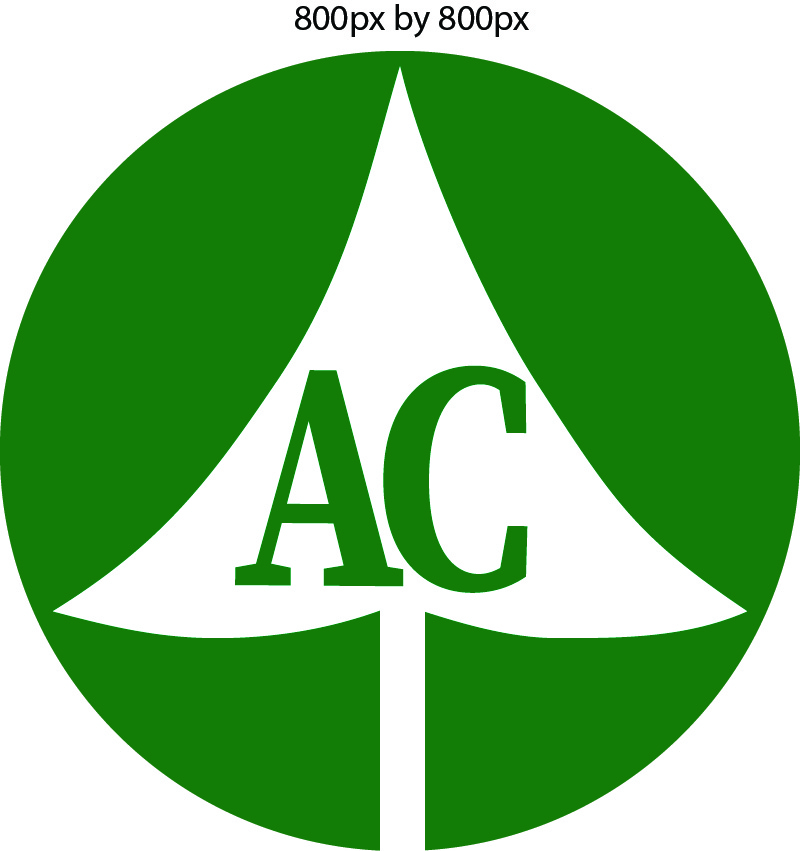
For my final logo I have basically followed my outline accordingly and added a few changes. First off, in my outline I have shown the basic sketch that I have started with all for all of these posts and I will be using that same design heading into now. I was going to modify my design to make is slicker, but when I tried to I kept having problems with it so I just decided to keep it basic.
There are a lot of similarities from my draft to my final collage and the first one is obviously the fact that I haven’t used the color black in my actual logo and that I only used it in my draft. There is nothing wrong with the color black by any means, however when it comes to making an effective logo to try and lure in customers, black isn’t the most ideal color for a landscaping company to use.
After deciding black wasn’t the color for my logo, I quickly jumped to green. As we all know, green is the best suited color to be a part of my logo for my landscaping company because you can associate green with a lot of items regarding landscaping. The most common association of the color is because of grass because most of the time grass is green. The nature appeal aspect for this logo made too much sense for me.
When you look at my draft and you compare it to my final product, I have filled in the space outside of my tree with the color green to add the logos appeal. I have also changed the color of the bolded letters to green instead of boring black because it will also help the logos design as well. Adding those two elements and modifying my logo have helped change the effectiveness to my logo.
Finally, you can see that I have let the tree open at the bottom of the logo. The reason why I did that was because we want to show that our company will take any customer with open arms. We want to show that we care, and that we want to help with all of your needs. With that being said, from the start of this project to now I have learned a lot about logo design and Adobe Illustrator and now making my own logo is a skill I have for years to come.
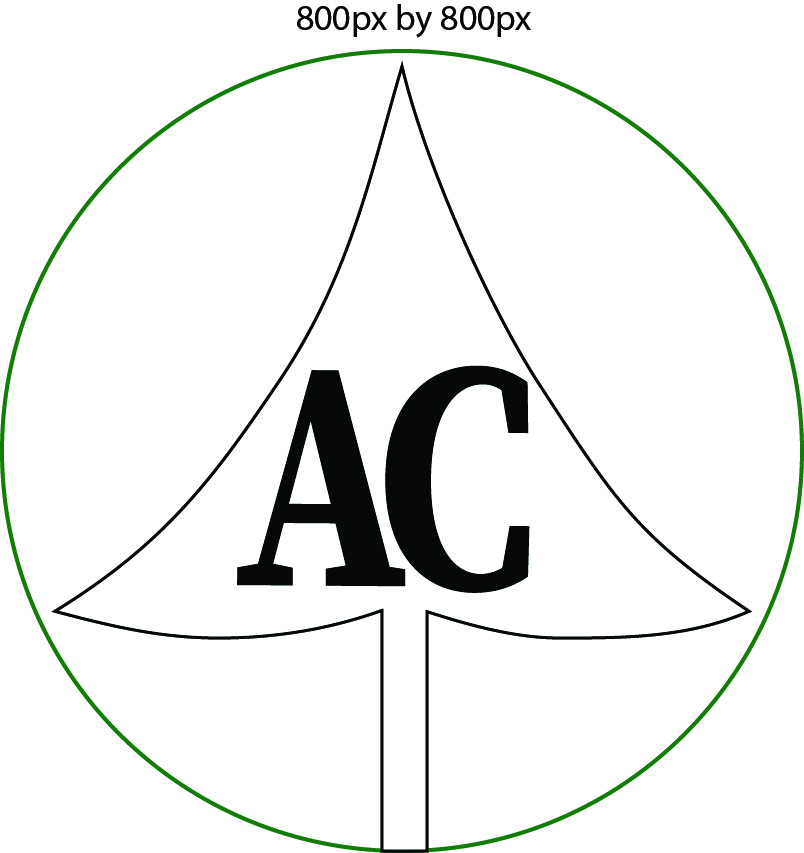
Logo Draft
As you see in my log design I used quite a few tools in my quest to draft this logo. First let’s start with foundation of the logo and get to the circle. It is pretty easy to tell that the circle came from the Eclipse tool. One way to get to the eclipse tool on Adobe Illustrator is the letter L on your keyboard. Once you reach Eclipse as we know, you can create circles and ovals with no problem. As you see here, I perfectly scaled my circle to 175.9 even.
From there I was able to then fit a pine tree inside of my circle. With making the Pinetree, I quickly then discovered how to draw lines and make cuts to create an image. When I first started I wanted to figure out how to connect line segments to one another. To connect line segments together all you have to press Forward Slash. I fooled around with the Line Segment Tool for a little while and you can tell I used that tool to help make my bottom of the tree inside of the circle. I scaled them up perfectly and connected the line and from there I quickly went to use the Curvature Tool.
The Curvature Tool can be found by pressing Shift+. The tool came in handy as you can see that I used it to make the shape of a pine tree. The shape in being the leaves and texture of the tree. I found that part to be a little confusing at first because I would always try to draw straight lines with the tool rather than making lines with complete curvy line segments.
Finally, I used The Type Tool to make the letters of my tree. A shortcut to find this tool is simply by pressing T. In my logo for example, I scaled my letters very big to appeal to potential customers that would want to contact or recognize my company and the services we could provide to you. I also bolded my words as well to really make great appeal efforts to other people. The letters in my opinion were the easiest step in all of this, but it was the most important for representing my companies image. My colors that I used were also to show correlation to what my service could do to fill your needs.
Logo Sketch
For my logo sketch, I decided I needed to start old school with my design. As you see in my photo, I would first like to acknowledge the fact that the circle is surrounding my tree. The circle shows scenery to customers that make them feel like they are at ease with the company providing quality service to them. No customer should feel afraid or uneasy towards a company that offers a service to them that maybe they couldn’t complete on their own.
In regards to the tree, the tree gives a customer more of a nature feel to show how life is calm, gentle, relaxing but most importantly fragile. The tree is a symbol of life that shows us how much we should really appreciate one another for the time we have on this planet. Life can end in a flash and although we don’t know when our time will be, we need to make the most of our time. In other ways, the circle that is around me tree could resemble the circle of life.
Although my logo sketch is basic, these values that my logo contains can show many other meanings then just what is presented on a business card or website.

Logotype Blog Post
I have looked at many logo ideas to help me on my search for what logo I have decided to make. I am getting this idea from my dad’s landscape company that he owns and the logo would make his company very assertive looking and professionally appealing for potential customers. My dad’s landscaping company is called Arnold’s Landscaping so I was thinking to maybe add just the letters “AC” would perfectly show his company doesn’t fool around. I looked at everything for images to coincide with the letter’s “AC”. From looking at scenery shots with trees, to putting the title inside of nature, there were countless options I could have chosen from. So, with that being said, my idea for a logo would be the letters “AC” being inside of a pine tree that creates a cool circle shape from the bottom.
Now why that? Well, my inspiration of the tree would come from a modernized sketch of a pine tree in my photo that I show. Yes, there are eight different logo ideas in this photo, however I would like to base mine off of the logo that is two from the right side that is located in the top row. I like how sharp and clear it looks and it also has an attractive boldness to it to really “wow” the customer. My idea for the circle that would make it be inside of comes from the videogame “Overwatch”. In the Overwatch logo, the circle that goes around the mountain shows the scenery of a skyline in the background making it look like the scenery is refreshing. Along with that, it also shows a sense of cleanness and happy reassurance to you.
I think this logo could really take my dad’s business to the top and also show a nice rebrand to help his efforts in attracting more customers. I believe this idea can take off.
Link for the image: https://www.shutterstock.com/image-vector/collection-green-pine-trees-logo-icon-1023558430

 Austin's Portfolio